
FIRST-TIME USER GUIDE
Self Serve Vending Machine: A Simple First-Time User Guide
Clear steps, configuration differences and practical exception support for customers, operators and buyers.
Introduction: The Journey Depends on the Machine
A self serve vending machine may use a touchscreen, card reader, mobile app, QR code, controlled door or traditional vend mechanism. Some configurations take payment before selection; others authorize an amount, allow access and complete the transaction after the door closes. Always follow the instructions on the specific machine.
For operators and buyers, a successful first experience depends on clear starting instructions, visible prices, understandable status feedback and a support route. The real hardware, payment flow and failure states must be tested before deployment.
First-Time Journey at a Glance
| Step | Action | User check |
|---|---|---|
| 1. Orient | Find the start point, reader, prices and support. | Instructions match the machine. |
| 2. Start or unlock | Follow the screen, reader or app. | Wait for a clear state. |
| 3. Select | Choose or take products as instructed. | Confirm the intended item. |
| 4. Pay or authorize | Review amount and status. | Do not retry blindly. |
| 5–6. Collect, close, confirm | Take the item, close the door and check the summary. | Keep a non-sensitive reference. |
| 7. Get help | Stop, record basic details and contact support. | Never share full card data. |
Step 1: Identify the Interface and Read the Instructions
Before interacting, locate the screen or start control, reader or mobile method, prices, delivery opening or door, and support contact. Confirm that your card or wallet method is listed; a contactless symbol does not guarantee every brand or payment route.
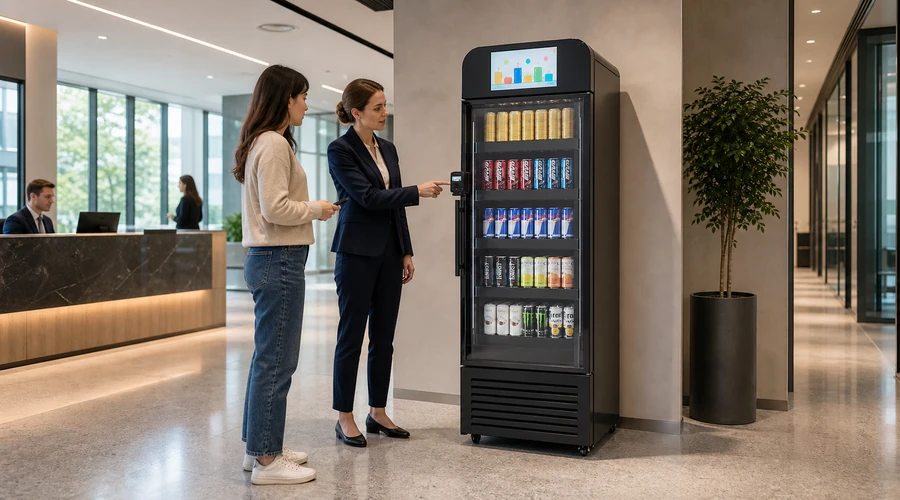
Steps 2 and 3: Start, Unlock and Select Carefully
Follow the screen, reader or app and wait for confirmation before retrying. One configuration may charge for a specific selection; another may request an authorization before access. Pending amounts and completion depend on the payment flow and participating institutions. EMVCo explains contactless payment technology, but compatibility still needs to be verified for the deployed configuration.
On a traditional vend system, choose the correct item and wait for the cycle to finish. In a controlled-access cabinet, take only what you intend to buy and return unwanted items to their original positions before closing.
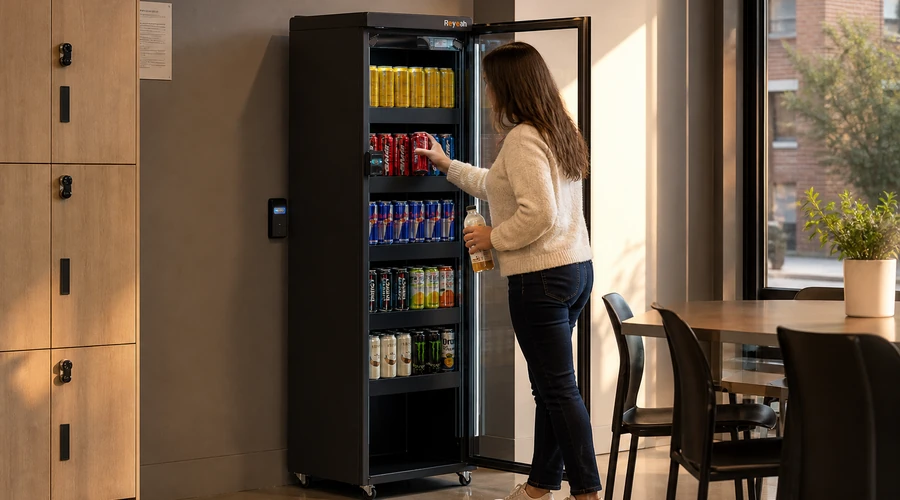
Steps 4 to 6: Collect, Close and Confirm
Collect the product from the indicated opening or fully close the correct door. Review the displayed summary, digital receipt or available reference and compare the items, quantities and amount. A pending authorization is not always the same as a final charge. Do not leave a door ajar or pay again before checking the earlier state.
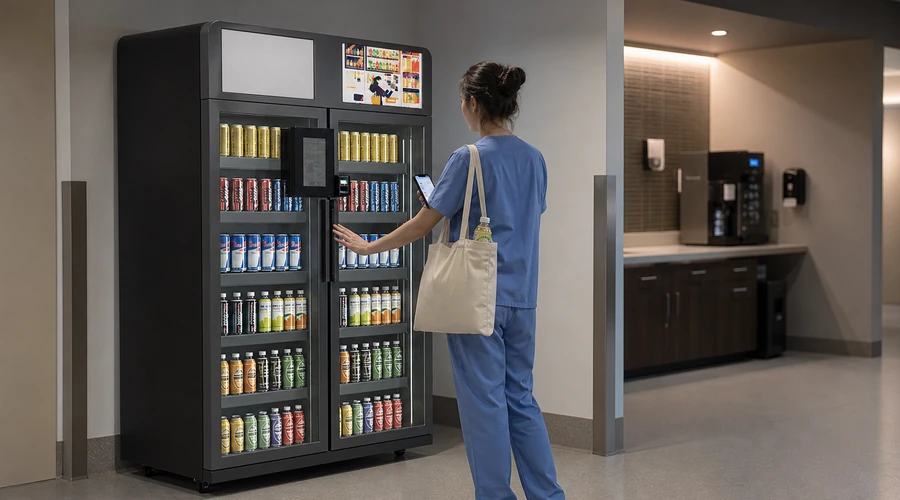
When Something Goes Wrong: Stop, Record and Ask for Help
If payment appears approved but no product arrives, a door will not open or close, the item is wrong, or the status is unclear, stop repeated attempts. Record the machine ID or location, approximate time, amount, item and a non-sensitive reference. Never send a full card number, security code or credentials. Refund, reversal and timing rules depend on policy, processor and jurisdiction.
The PCI Security Standards Council publishes payment-security standards and guidance. Responsibility depends on the architecture and providers; this should not be interpreted as automatic certification of a machine.
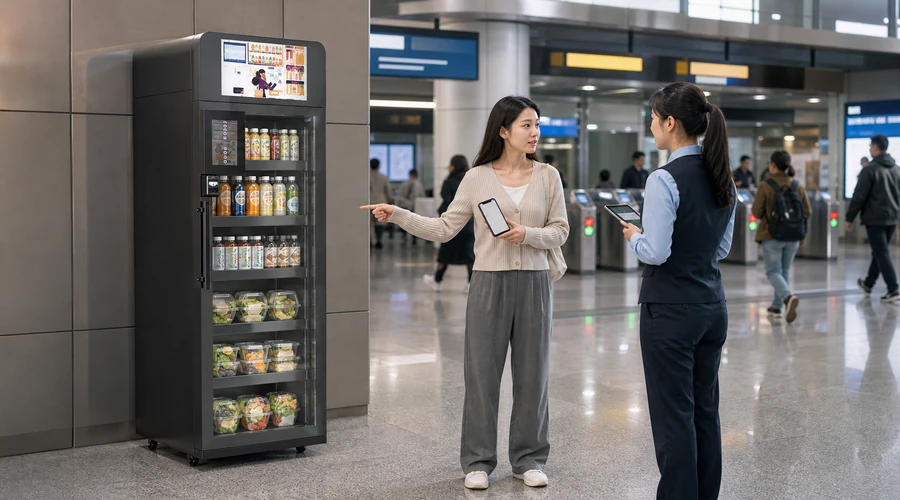
What Operators and Buyers Should Validate
- Instructions match the quoted hardware and payment flow.
- Ready, processing, approved, declined, timeout and cancellation states are distinct.
- Price, authorization, final charge and receipt are explained without universal promises.
- Door, delivery, basket and closure are tested with first-time users.
- Network loss, power loss, reader failure and delivery error reach a safe state.
- Support can locate a transaction using non-sensitive references.
- Refund, reversal, data, update and escalation ownership is documented.
- Accessibility, privacy and local site obligations are reviewed.
Four Reyeah Formats to Evaluate
These are candidate formats, not promises that every payment or operating configuration is included. Confirm the quoted scope in writing.
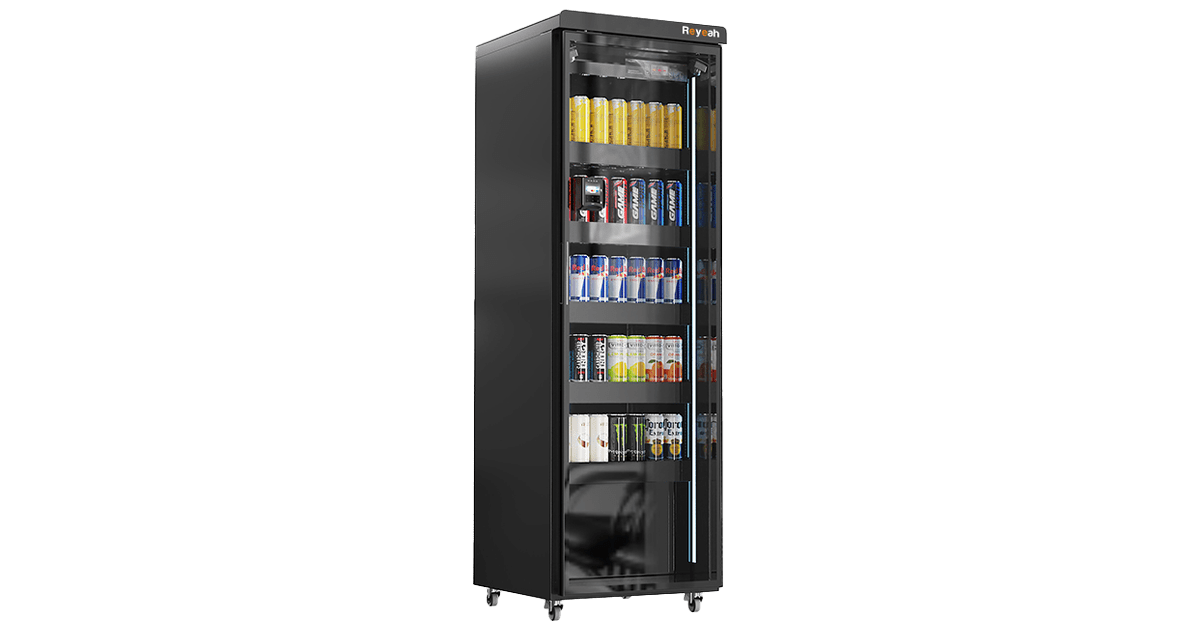
A controlled-access cabinet candidate for a guided open-select-close journey.
View X12 details →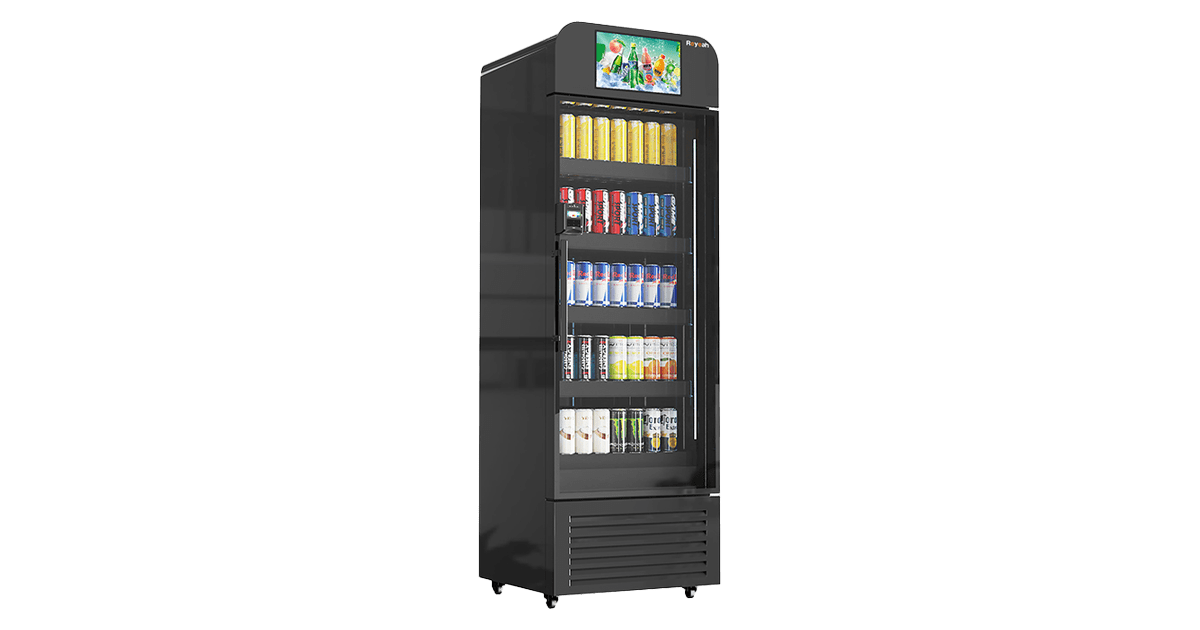
A display-led format candidate where visible guidance can support first-time users.
View X13 details →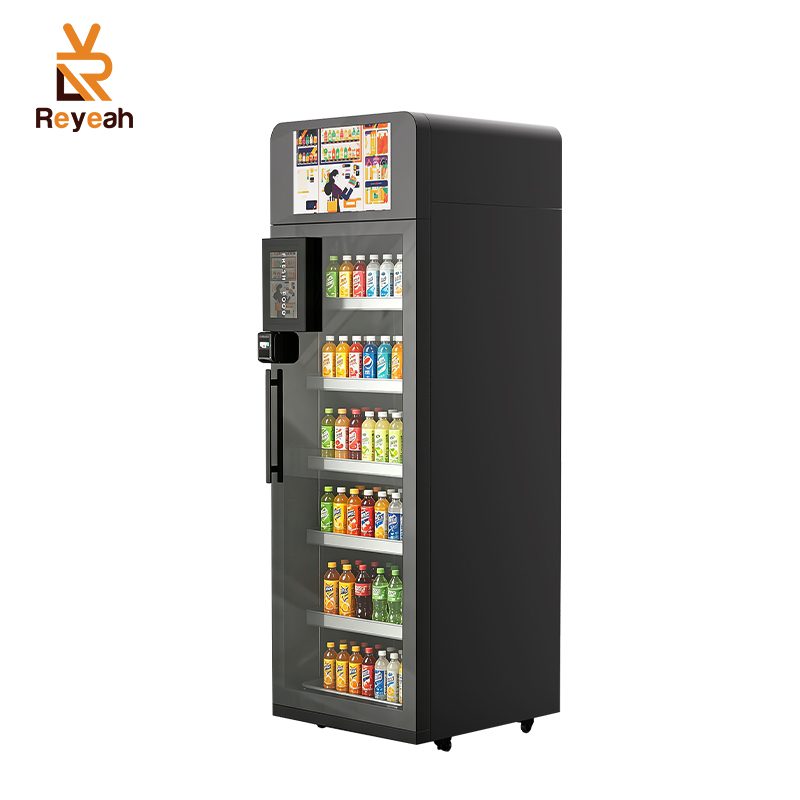
A refrigerated smart-cooler candidate; verify cooling, recognition and payment scope.
View X14 details →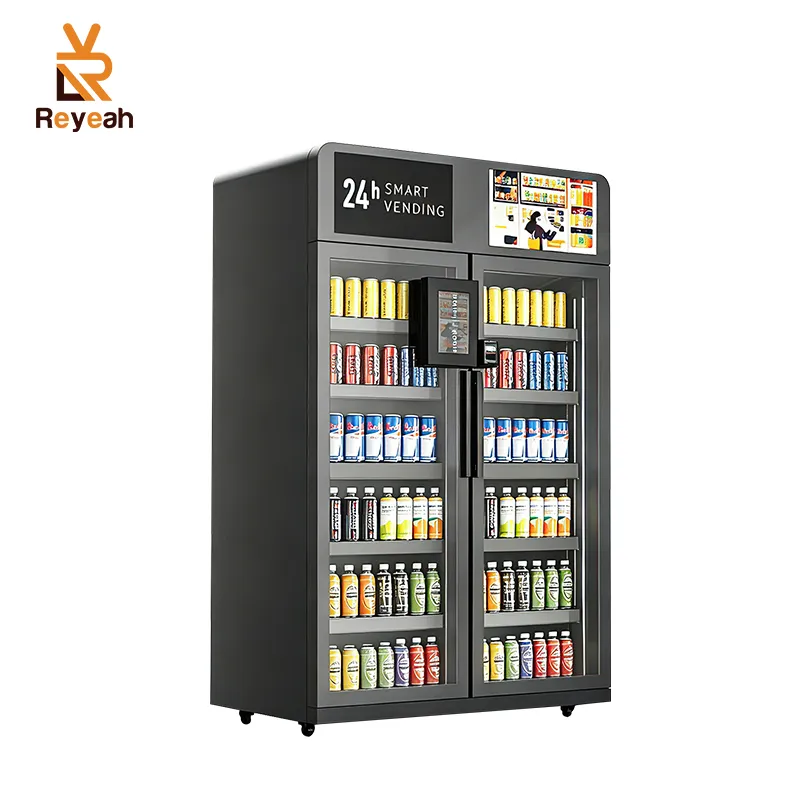
A dual-door assortment candidate; verify door logic, capacity and operating scope.
View X15 details →Conclusion: Use a Self Serve Vending Machine Step by Step
A self serve vending machine is easier to use when the customer reads first, waits for each confirmation, selects carefully, closes correctly and checks the transaction. For buyers, a first-time guide is reliable only when tested with the real configuration and realistic exception scenarios.
Share your site, users, payment flow and support requirements for a configuration review.
Request a Configuration Review