
Smart Stores for Offices: 24/7 Retail Without Extra Staff
How employers and facility teams can plan secure, cashless, data-led workplace retail without operating a staffed convenience counter.
Employees increasingly expect convenient access to food, beverages, and everyday essentials throughout the working day. A staffed canteen or shop can meet that need, but it may be difficult to justify for smaller offices, hybrid workplaces, late shifts, or buildings with uneven traffic.
Smart stores offer another model: an unattended retail area that combines refrigerated or ambient merchandising, cashless checkout, access or transaction controls, and remote management. The goal is not simply to remove staff. It is to create a reliable retail service that remains easy to use, replenish, monitor, and support.
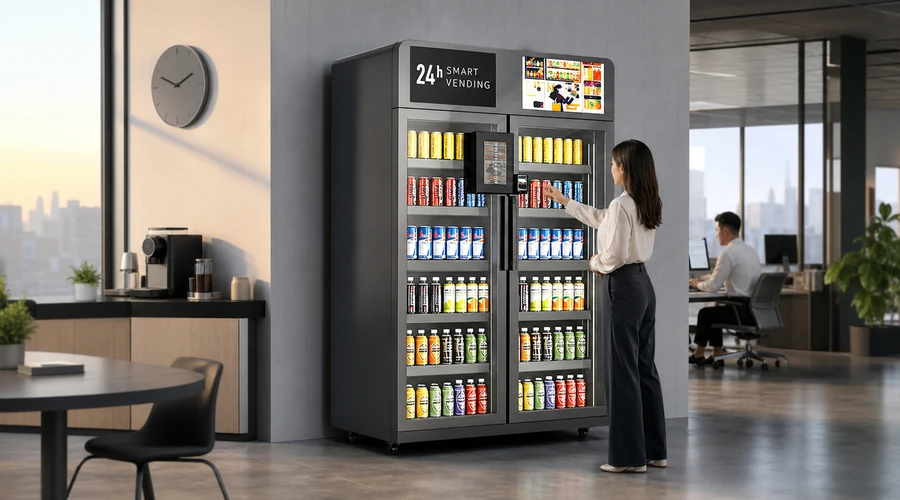
What Are Smart Stores in an Office?
In an office setting, smart stores are compact, self-service retail environments designed for employees and authorized visitors. Depending on the site, the format may use open shelves with a self-checkout kiosk, controlled-access smart coolers, vending equipment, or a hybrid of these options.
Customers select an item and pay using a supported cashless method. The operator uses connected software to review transactions, stock movement, device status, and replenishment priorities. Cameras, door controls, payment authorization, and transaction records may support loss prevention, but the exact controls vary by system.
Why Offices Consider 24/7 Unattended Retail
The business case depends on the local situation. A smart store can improve convenience, but it still needs product planning, replenishment, cleaning, maintenance, customer support, and loss management. Buyers should treat it as an operating service rather than a cabinet placed in a break room.
| Workplace need | How a smart store can help | Planning consideration |
|---|---|---|
| Extended or irregular shifts | Provides access beyond staffed service hours | Confirm support and incident procedures |
| Hybrid attendance | Scales service to fluctuating demand | Use conservative demand assumptions |
| Limited food options nearby | Adds convenient on-site assortment | Match products to employee needs |
| Small or distributed offices | Uses less space than a full canteen | Check site readiness and delivery access |
| Operator efficiency | Centralizes sales and inventory visibility | Validate data accuracy and integrations |
How the Office Smart Store Experience Works
1. Access and product selection
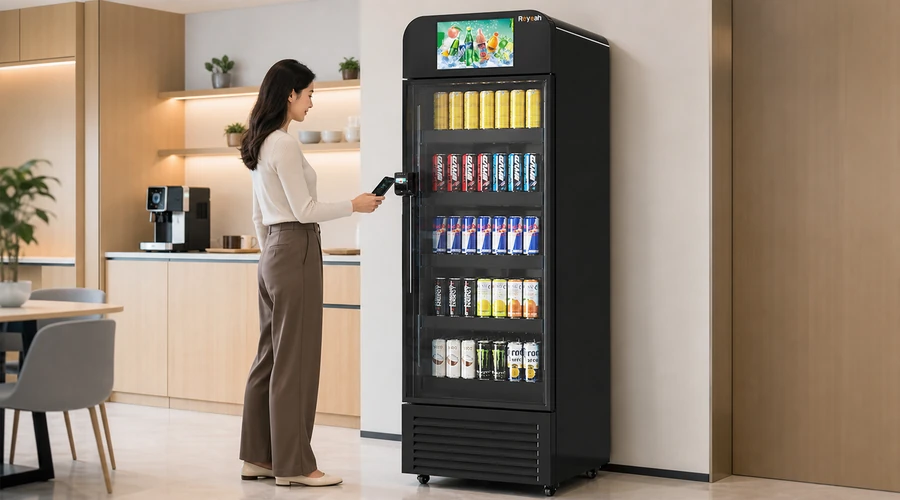
An employee approaches an open market, kiosk, or smart cooler and follows the displayed access process. Some formats remain open, while others require a payment authorization or approved credential before a door unlocks. Instructions should be short, visible, and understandable for a first-time user.
2. Cashless checkout
Payment may be completed through a card terminal, mobile wallet, QR workflow, app, or employer-linked account, depending on the selected platform. Procurement teams should verify supported methods, processor requirements, fees, refund handling, and what occurs when connectivity is interrupted.
3. Transaction and inventory records
The system records a transaction and updates the operator dashboard. Stock information may come from sales data, sensors, vision systems, manual counts, or a combination. The operator should understand how discrepancies are identified and corrected rather than assuming every platform provides perfect real-time inventory.
4. Remote operations
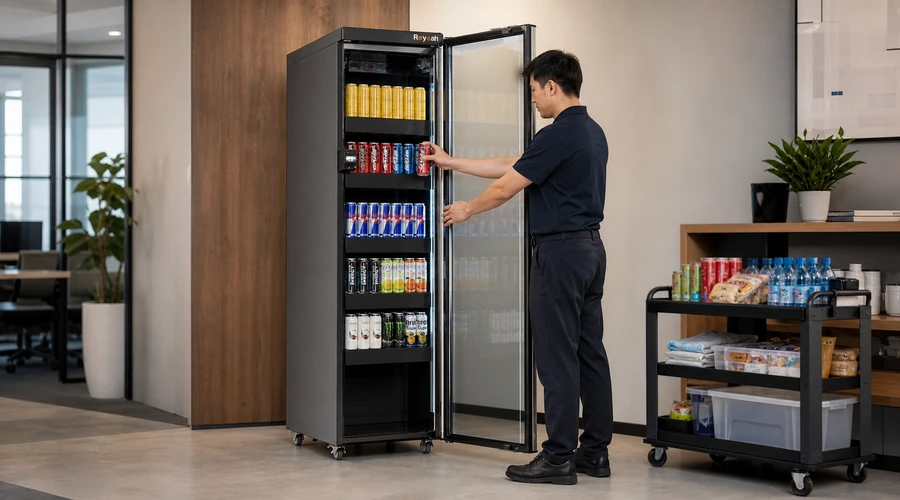
Operators review sales, product movement, low-stock alerts, device status, and exceptions across one or more sites. Remote visibility can reduce unnecessary visits, but it does not eliminate physical tasks such as replenishment, rotation, cleaning, temperature checks, or equipment service.
Choosing the Right Format for the Office
| Format | Best suited to | Key trade-off |
|---|---|---|
| Open micro market | Larger assortments and a store-like experience | Requires suitable site controls and user trust |
| Locked smart cooler | Compact sites and controlled product access | Capacity and door flow may limit peak use |
| Self-checkout kiosk | Mixed shelves, coolers and employee accounts | Needs intuitive checkout and reliable connectivity |
| Traditional vending | Simple, controlled single-item dispensing | Less flexible merchandising and browsing |
| Hybrid setup | Sites with varied products and traffic patterns | More components to integrate and support |
Seven Requirements to Define Before Requesting Quotes
- Location profile: office population, attendance pattern, shift schedule, visitor access, nearby food options and expected peak periods.
- Product strategy: beverages, snacks, fresh meals, healthy choices, frozen products, personal-care items and any restricted categories.
- Available space: footprint, doorway clearance, floor loading, ventilation, electrical supply, network coverage and service access.
- Customer journey: access method, checkout steps, payment methods, receipts, refunds, failed payments and support contact.
- Operating model: who owns inventory, sets prices, replenishes products, cleans equipment, manages waste and handles incidents.
- Data needs: sales reporting, inventory visibility, user permissions, multi-site management, exports and required integrations.
- Commercial terms: hardware, installation, freight, software, connectivity, payment fees, service, warranty, contract length and exit terms.
What to Ask a Smart Store Supplier
- Which parts of the proposed solution are manufactured, supplied, configured, installed, and supported by your company?
- What is included and excluded from the quotation, and which charges recur monthly or per transaction?
- Which payment processors and customer payment methods are supported?
- How are inventory discrepancies, disputed transactions, refunds, and connectivity failures handled?
- What site preparation, network, electrical, ventilation, doorway, and commissioning requirements apply?
- Which warranty terms cover the cabinet, refrigeration, screen, payment terminal, sensors, locks, and software?
- What support channels, service hours, spare-parts arrangements, and escalation process are available in our region?
- Can the platform manage multiple offices, roles, price lists and reports without rebuilding the deployment?
- Who owns the operational data, and can it be exported in a practical format?
- Which performance claims can be demonstrated in a pilot or supported with documented test conditions?
Security, Privacy and Responsible Operation
Unattended retail must balance convenience with responsible controls. Buyers should understand what information is collected, why it is needed, how long it is retained, who can access it, and how customer questions or disputes are handled. Local privacy, payment, employment, accessibility, and food-safety requirements may apply and should be reviewed by qualified advisers for the intended location.
Security should also be layered. Location access, clear user instructions, transaction records, payment controls, physical design, cameras where appropriate, exception review, and operator procedures can work together. No single feature should be treated as a guarantee against loss.
Building a Realistic Cost and ROI Model
A useful financial model separates one-time project costs from recurring operating costs. One-time costs may include equipment, freight, site preparation, installation, configuration, branding and training. Recurring costs may include software, connectivity, payment processing, maintenance, energy, replenishment labor, product waste, shrinkage and location commissions.
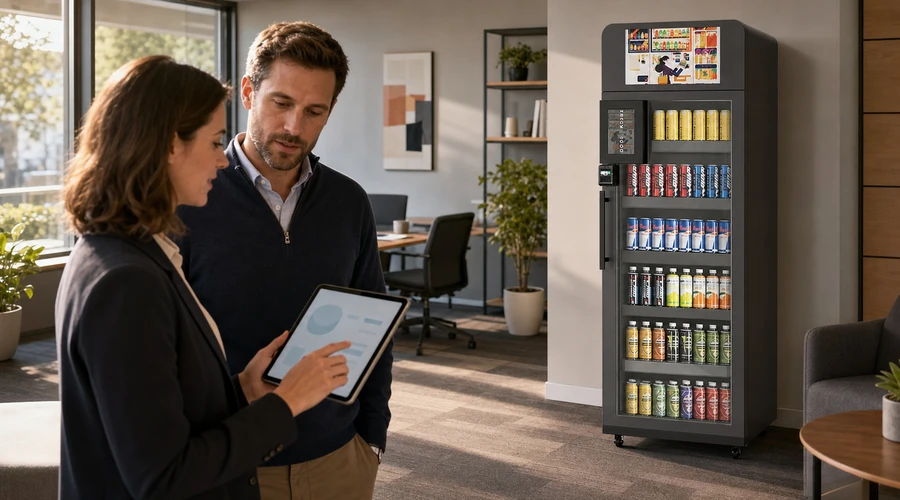
Compare these costs with realistic sales and gross-margin assumptions. Use conservative, expected and strong-demand scenarios, especially when office attendance changes by weekday or season. The decision should remain manageable in the conservative case; a universal payback claim is not a substitute for a site-specific model.
Illustrative Office Demand Model
Planning example only—not a forecast or earnings claim. Replace every assumption with verified site data.
| Input | Illustrative assumption | How to replace it |
|---|---|---|
| Daily on-site population | 100 employees | Use access-control or attendance data |
| Daily buyer participation | 25% | Measure during a controlled pilot |
| Transactions per buyer | 1.2 | Use verified transaction logs |
| Resulting daily transactions | 100 × 25% × 1.2 = 30 | Recalculate with your actual inputs |
Implementation Roadmap
- Survey the workplace and document demand, space, power, network and access constraints.
- Choose the retail format and write measurable functional, operational and support requirements.
- Compare suppliers against the same scope and request demonstrations of critical workflows.
- Pilot a representative office when demand, loss, integration or user adoption is uncertain.
- Train the operator team on replenishment, cleaning, refunds, incident handling and escalation.
- Measure sales, availability, waste, exceptions, uptime and user feedback, then adjust the assortment and service plan.
Recommended Smart Store Equipment
The best configuration depends on the workplace format, assortment, capacity needs and customer journey. These four Reyeah options support different office retail scenarios.
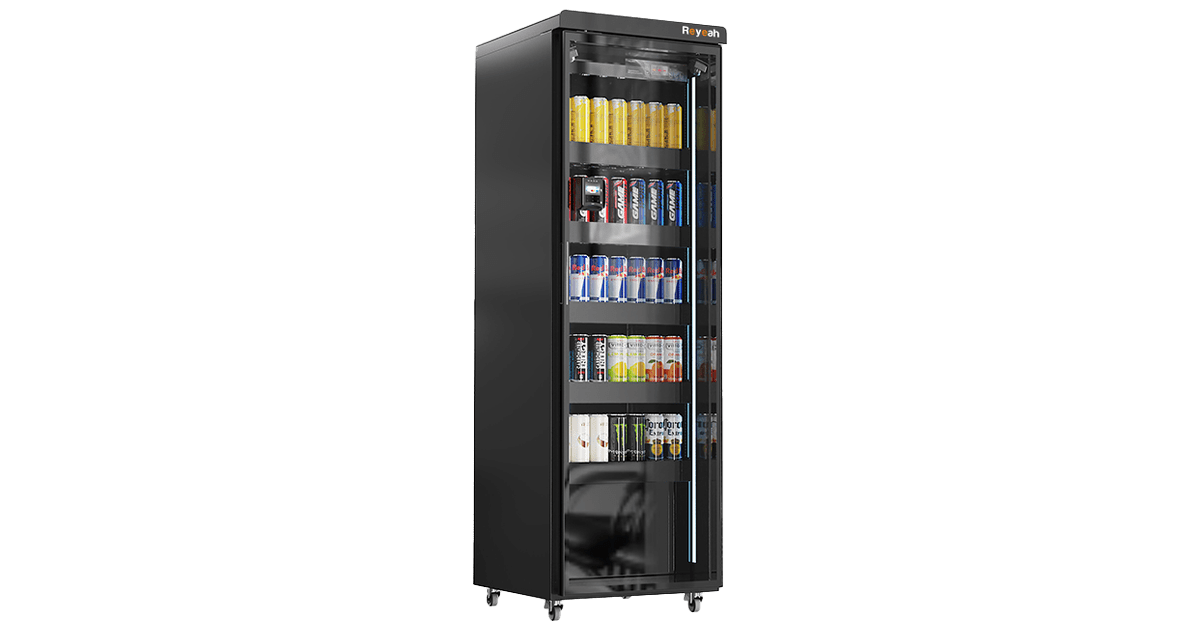
CoreLock Basic X12
AI Vision + Weight SensingCashless ReaderCloud DashboardA smart fridge and grab-and-go option for office or micro-market use, with 4G/Wi-Fi connectivity and cloud-based operational visibility.
View X12 details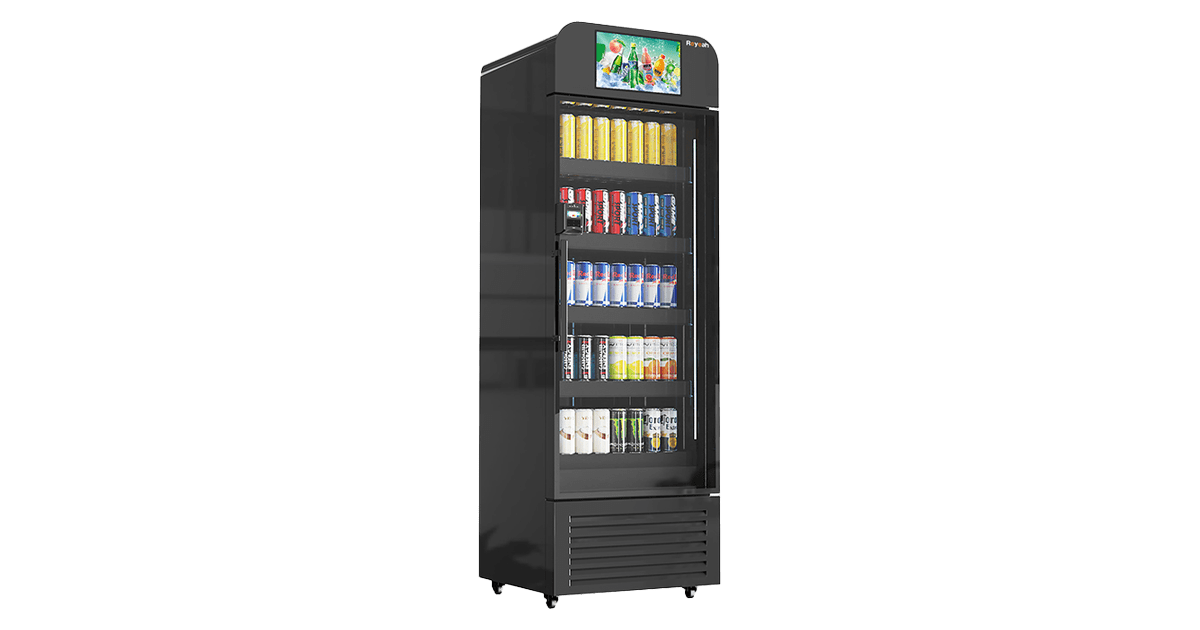
AdScreen Elite X13
15.6-inch HD DisplayAd SchedulingAI Vision + Weight SensingCombines connected smart retail with a display for scheduled promotional content, supported by 4G/Wi-Fi, Reyeah Cloud and Ad Manager.
View X13 details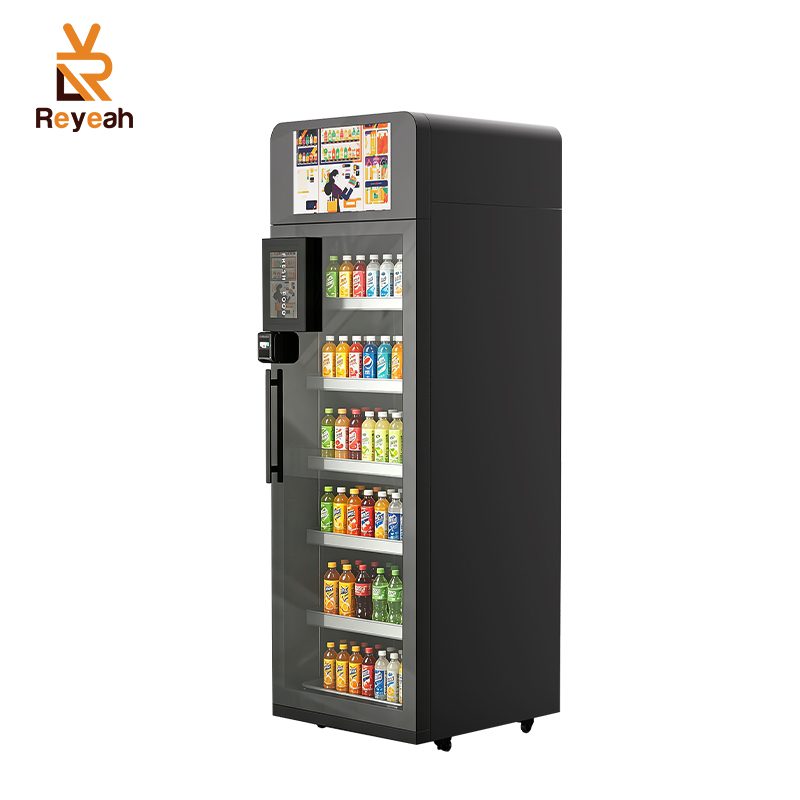
VisionCool Pro X14
Chilled/Frozen Dual ZoneCashless Tap & GoAI RecognitionA connected smart cooler with 4G, Wi-Fi or wired connectivity and cloud/mobile management for flexible workplace assortments.
View X14 details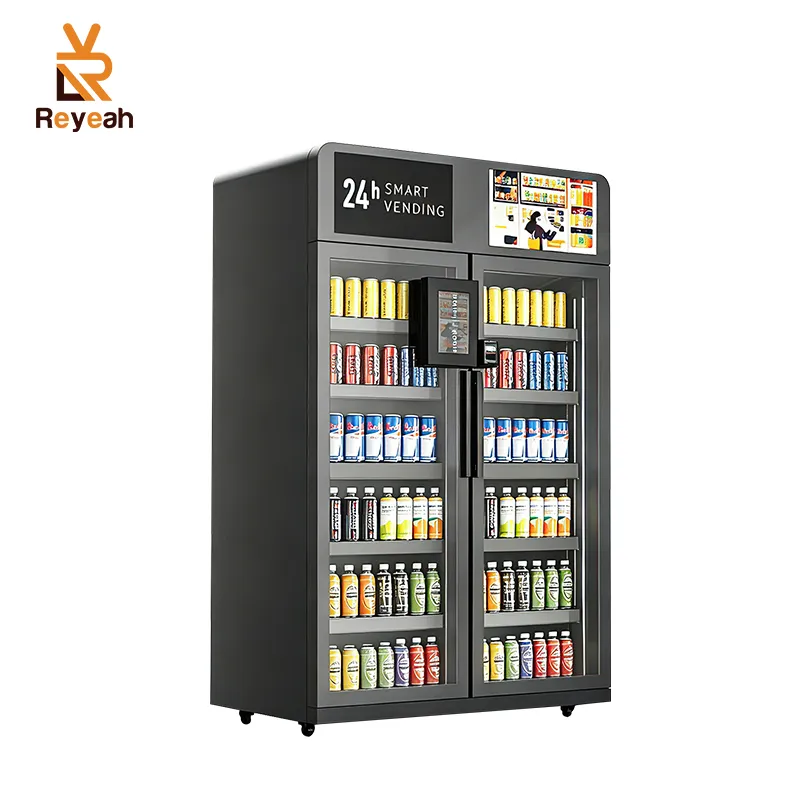
DualVision Max X15
Dual DoorAdjustable ShelvesRemote MonitoringA dual-door option with AI checkout, 360-degree cooling and remote visibility into sales, inventory and equipment status.
View X15 detailsCommon Mistakes to Avoid
- Selecting hardware before defining the office use case and operating responsibilities.
- Comparing purchase prices while ignoring software, payment, connectivity and support charges.
- Assuming 24/7 access means zero labor or zero service requirements.
- Overestimating demand based on total headcount rather than actual attendance and buying behavior.
- Launching fresh food without a disciplined replenishment, rotation, temperature and waste process.
- Accepting vague AI, security or ROI claims without evidence, limits and test conditions.
- Failing to plan for refunds, network outages, failed authorizations, refrigeration alarms and customer support.
Conclusion: Make Convenience Operationally Sustainable
Smart stores can give offices a practical way to offer 24/7 retail without staffing a conventional shop. The strongest solution is not necessarily the most automated or the least expensive. It is the one that fits the workplace, keeps checkout simple, gives operators usable data, supports reliable replenishment, and provides clear service and commercial terms.
Before purchasing, define the site, assortment, customer journey, operating owner, support model and cost assumptions. Then ask each supplier to respond to the same requirements. That discipline makes the project easier to compare, pilot and scale.
Frequently Asked Questions
What is a smart store for an office?
It is an unattended workplace retail area that combines merchandising, cashless checkout, operational software and appropriate access or transaction controls.
Can a smart store operate 24/7?
It can provide around-the-clock customer access when the location, building rules, support process, equipment and operating model are designed for it.
Does an office smart store require staff?
It may not require a cashier, but it still requires replenishment, cleaning, maintenance, monitoring, customer support and exception handling.
What products can an office smart store sell?
The assortment may include drinks, snacks, fresh meals, frozen food and workplace essentials, subject to equipment capability and applicable local requirements.
How do customers pay?
Available methods depend on the platform and may include cards, contactless mobile wallets, QR payments, apps, stored-value accounts or employer subsidies.
How is theft reduced?
Common controls include building access, payment authorization, cameras, smart locks, transaction logs, exception review and clear operating procedures.
How should buyers compare smart store suppliers?
Use one requirements document and compare scope, payments, software, installation, service, data access, warranty, recurring fees and total operating cost.
