
B2B BUYING, DEPLOYMENT & CUSTOMER EXPERIENCE GUIDE
Self Checkout Kiosks: How They Make Shopping Faster
A practical B2B guide to customer flow, payment, accessibility, exception support and deployment acceptance.
Self checkout kiosks can shorten a shopping journey when the interface, item identification, payment flow and exception support are designed for the site. They are not automatically faster, and they do not eliminate the need for staff. For B2B buyers, the real question is whether the total operating system helps customers complete routine purchases while giving employees clear tools to resolve the moments that stop the lane.
Featured answer: Self checkout kiosks can make shopping faster by letting customers scan or select items, confirm the basket and pay without waiting for a cashier. The result depends on intuitive screens, reliable item recognition, responsive payment, accessible controls and nearby assistance for exceptions.
Why “Faster” Depends on the Whole Checkout System
A kiosk redistributes work rather than removing it. The shopper performs routine steps; software coordinates products, pricing and payment; hardware captures input; and an associate handles exceptions. Speed improves only when those parts reduce idle time and unnecessary handoffs. A fast terminal attached to a confusing catalog or understaffed exception queue can still create a slow experience.
Buyers should measure queue entry, first interaction, item processing, payment authorization, receipt or exit confirmation, and every help request. Averages can hide abandonment and unusually long waits, so pilot results should separate normal transactions from exception-heavy ones.
| Condition that can reduce time | Condition that can add time | What to test |
|---|---|---|
| Several customers begin in parallel | Too few kiosks or poor layout creates a new queue | Arrival patterns, lane capacity and circulation |
| Clear scan or on-screen selection | Unreadable barcodes, vague categories or duplicate SKUs | First-attempt identification and correction steps |
| Responsive contactless/card/mobile payment | Gateway delay, reader failure or unclear status | Approval, decline, timeout and reversal flows |
| Visible help and rapid intervention | One associate covers too many distant stations | Help-call response and resolution time |
| Consistent bagging/weight logic where used | False mismatches interrupt purchases | Mismatch causes and override controls |
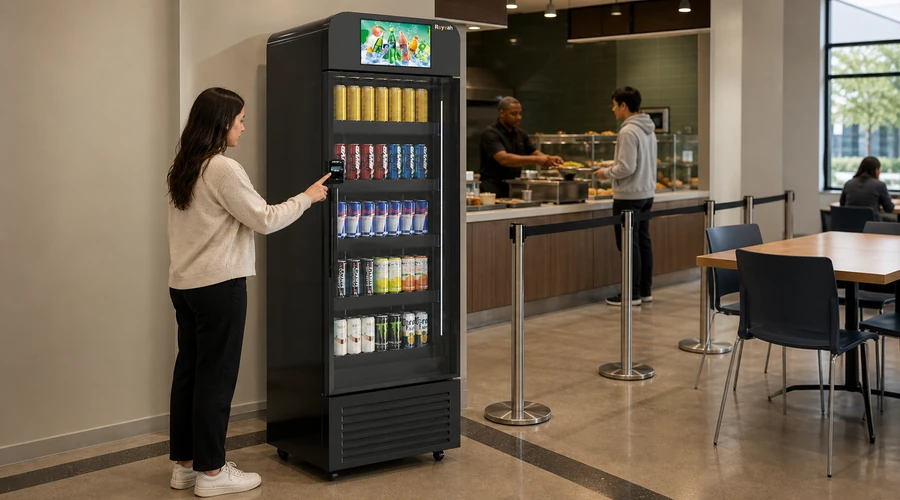
How Self Checkout Kiosks Work for Customers
1. Join the Lane and Understand the First Screen
The starting screen should explain whether the transaction begins by scanning, touching Start, selecting a language, authenticating or unlocking a controlled cabinet. These are different models, not a universal flow. Instructions need enough display time and an obvious assistance path.
2. Scan, Search or Identify Products
A conventional kiosk may use a barcode scanner and product lookup. A smart cabinet may use access control plus computer vision or another recognition method. Fresh produce can require a lookup, code or scale. Buyers must test the actual catalog, packaging, lighting and customer behavior; no identification method should be described as perfect.
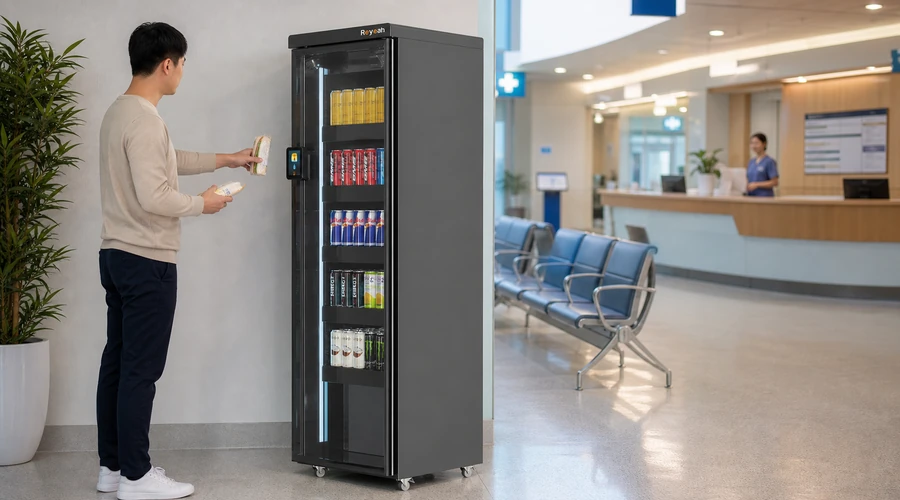
3. Place Items, Confirm Weight or Review the Basket
Some systems compare the scanned basket with a bagging-area weight change, while other setups do not use a bagging scale. If weight validation is present, the message should explain what the customer needs to correct without exposing security logic. Basket review should show recognizable names, quantities and prices before payment.
4. Pay, Authorize and Receive a Clear Result
The checkout passes payment details through its configured gateway or acquiring flow. Card, contactless and mobile-wallet support varies by reader, market and merchant setup. The interface should distinguish processing, approval, decline, cancellation and unknown outcomes so customers are not encouraged to pay twice. Offline or degraded-network behavior must be defined with the payment provider and risk team.
5. Take the Receipt, Exit or Close the Transaction
Completion may mean a printed or digital receipt, on-screen confirmation, cabinet relock or exit validation. The final state should be unambiguous. Where controlled access is involved, customers need clear closing instructions and an explanation of how the final charge is determined.
6. Request Help When the Normal Path Breaks
Common exceptions include barcode failure, unknown items, weight mismatch, age restrictions, coupon rejection, payment decline, receipt failure and suspected duplicate authorization. A help button must reach a trained person with suitable permissions. Operators should document who can override, void, refund, reopen or escalate each situation.
Common Customer Problems and Operational Responses
| Customer sees | Possible cause | Safe operational response |
|---|---|---|
| Item will not scan | Damaged code, catalog mismatch or scanner issue | Offer lookup or assisted entry; verify catalog before changing price |
| Unexpected item warning | Bagging logic, placement sequence or sensor variance | Guide the customer; review the event before override |
| Payment appears stuck | Network, gateway, reader or unclear UI state | Check transaction status before asking for another payment |
| Card declined | Issuer/acquirer decision or technical failure | Use neutral wording; offer configured alternatives without guessing |
| No receipt | Printer, paper, email entry or service fault | Confirm transaction and use the approved receipt process |
| Needs accessibility support | Control, reach, vision, hearing, language or cognitive barrier | Provide an accessible path and human assistance without delay |
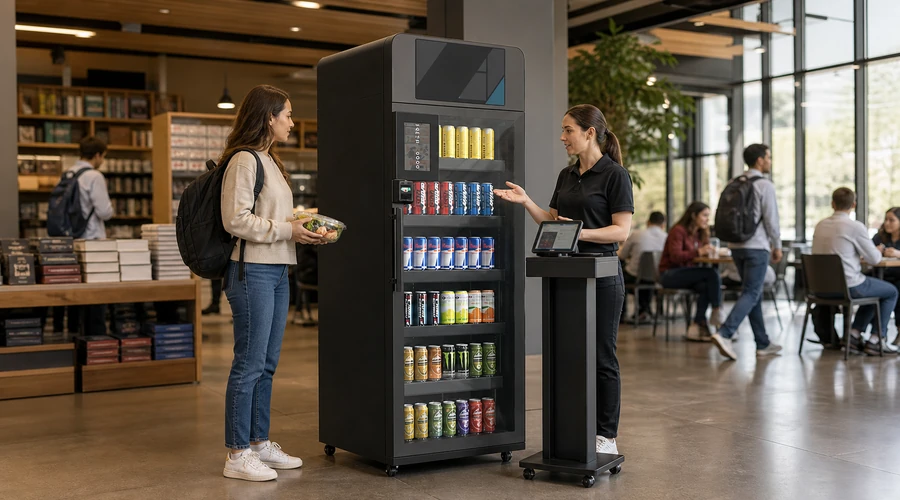
Accessibility Is a Checkout Requirement, Not an Add-On
Customers may need sufficient contrast, readable type, screen-reader or audio support, reachable controls, adequate time, simple language and alternatives to gestures or fine motor input. Physical approach space, payment-terminal height and assistance procedures matter as much as the screen. Include people with disabilities in usability testing rather than treating a checklist as proof.
Use the W3C Web Content Accessibility Guidelines overview as a digital-accessibility reference while confirming applicable local laws, physical-access requirements and procurement standards.
Privacy, Payment Security and Loss-Prevention Boundaries
A self-checkout environment may process transaction records, video, product events, device telemetry and support logs. Operators should identify who controls each data set, the purpose, retention, access roles, export method and incident process. Avoid collecting information simply because the system can collect it.
Payment security is shared across the terminal, payment application, gateway, acquiring relationships, network and procedures. Tokenization can reduce exposure in a designed flow, but it does not make a deployment automatically compliant or immune to fraud. Obtain a written responsibility matrix and validate applicable PCI DSS scope with qualified advisers.
For payment-security responsibilities and current standards, consult the PCI Security Standards Council document library and the organizations responsible for the merchant deployment.
Loss prevention should use layered controls and proportionate review. Alerts, reconciliation and associate observation can support investigation, but false positives are possible. Customer messages should remain neutral, and escalation rules should protect people and evidence.
Human Assistance Still Determines the Experience
Self checkout kiosks can shift associates from repetitive scanning to supervision, guidance and exception resolution. That role requires line of sight, reasonable station coverage, clear alerts, practiced procedures and permissions matched to risk. Removing assistance solely to maximize labor savings can increase abandonment and frustration.
- Place assistance controls where they are visible before an error occurs.
- Route alerts by urgency and avoid alarm fatigue.
- Train associates on neutral language, accessibility support and privacy boundaries.
- Separate routine overrides from refunds, restricted products and suspected fraud.
- Review recurring exceptions as interface, catalog or process problems—not only customer errors.
Network, Hardware and Integration Risks Buyers Must Test
A deployment depends on more than a touchscreen. Scanners, cameras, scales, payment readers, printers, door locks, controllers, networks, catalogs and back-office services can fail separately. Buyers need a defined degraded mode: what remains available, what stops, what the customer sees, and how records reconcile after recovery.
| Layer | Failure question | Evidence before rollout |
|---|---|---|
| Interface | Can a customer recover from a wrong choice? | Observed usability tests and error-path scripts |
| Product data | How are price, tax, age rules and images synchronized? | Catalog ownership and change-control records |
| Payment | What happens after timeout or uncertain status? | Provider-approved retry, reversal and reconciliation tests |
| Network | Can the lane fail safely without misleading the shopper? | Degraded-mode test and escalation contacts |
| Hardware | Who replaces or services each component? | Spares plan, diagnostics, warranty and response terms |
| Back office | Can transactions, inventory and exceptions be exported? | Sample export, role tests and reconciliation procedure |
B2B Deployment and Acceptance Checklist
- Map customer journeys for each configuration, including assisted, accessible and exception paths.
- Survey power, network, lighting, circulation, queue space, reach ranges and staff sightlines.
- Load the real catalog and test difficult packaging, fresh-item lookup and legitimate corrections.
- Test approvals, declines, cancellations, timeouts, reversals, refunds and duplicate-payment prevention with the provider.
- Define privacy notices, retention, access roles, export and incident responsibilities.
- Train associates, set coverage expectations and run realistic recovery drills.
- Pilot with acceptance criteria for completion, queues, help response, exceptions, reconciliation and feedback.
- Review results by transaction type and site period; do not claim speed improvement without measured support.
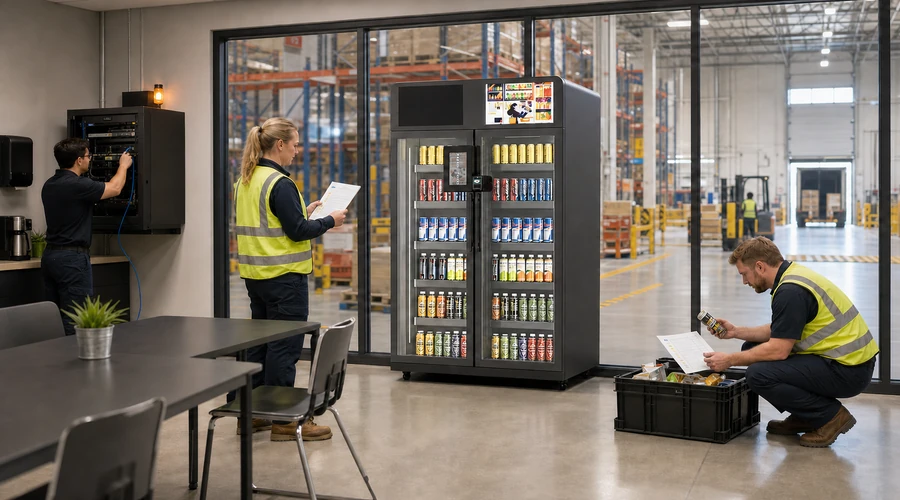
Four Reyeah Product Candidates to Verify
These official product pages are shortlist references, not proof that every model supports every kiosk flow described above. Confirm the exact cabinet, payment, recognition, accessibility, software and regional service configuration in writing.
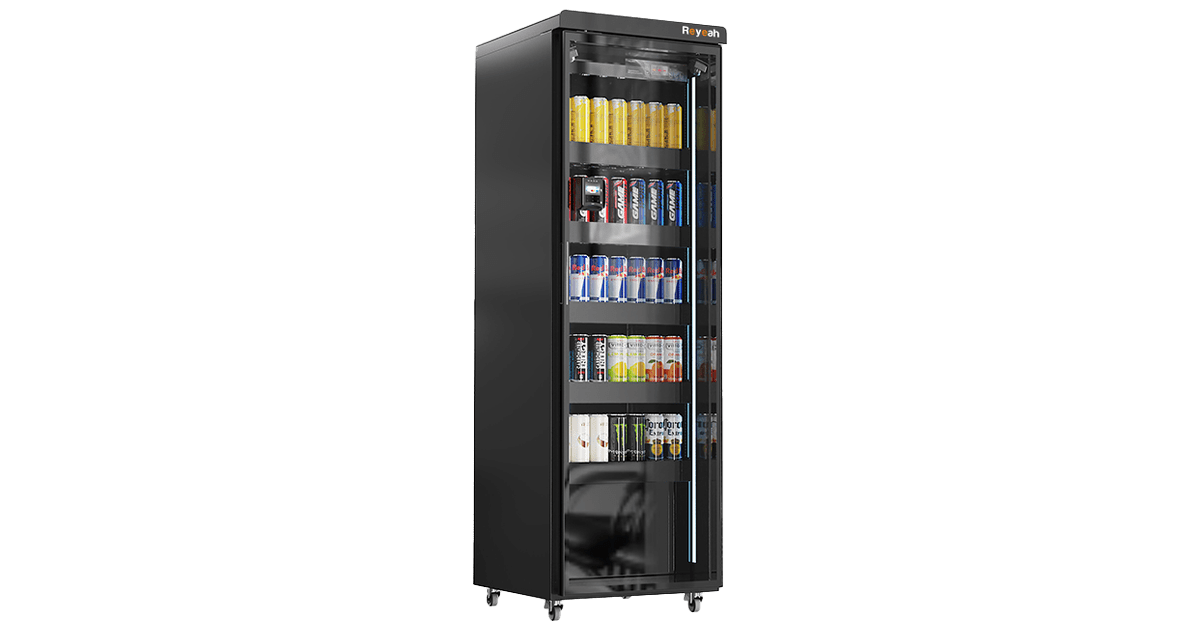
A compact controlled-access candidate for testing a guided purchase journey. Confirm the quoted payment, recognition, accessibility and support scope.
View X12 details →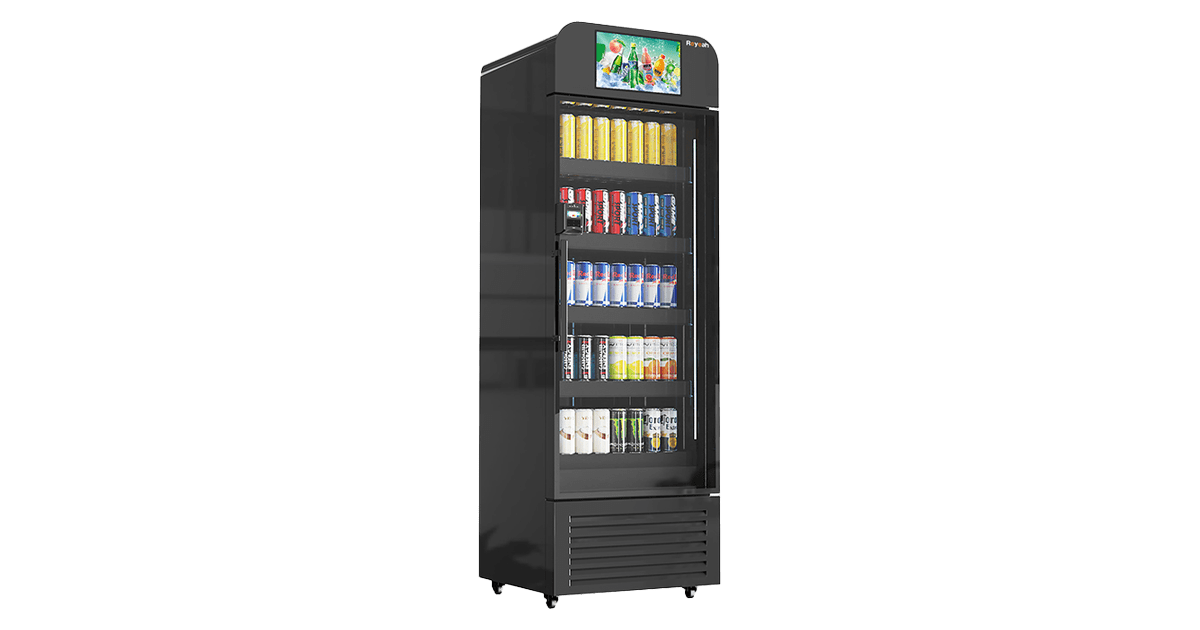
A display-led candidate where on-screen guidance and product communication matter. Confirm the exact software and service configuration.
View X13 details →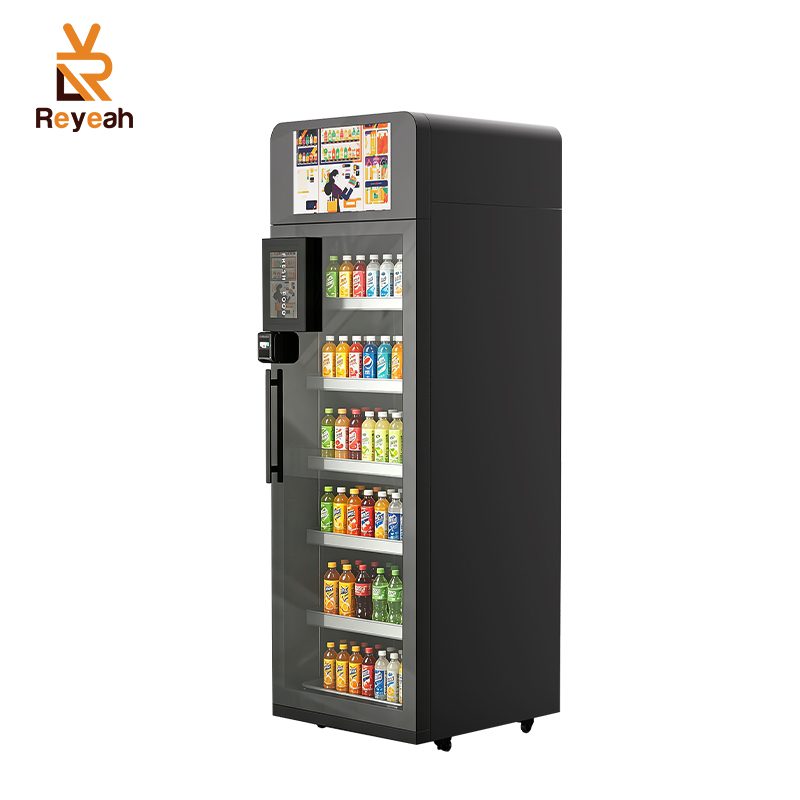
A smart-cooler candidate for evaluating chilled grab-and-go workflows. Confirm payment, recognition, temperature and regional support.
View X14 details →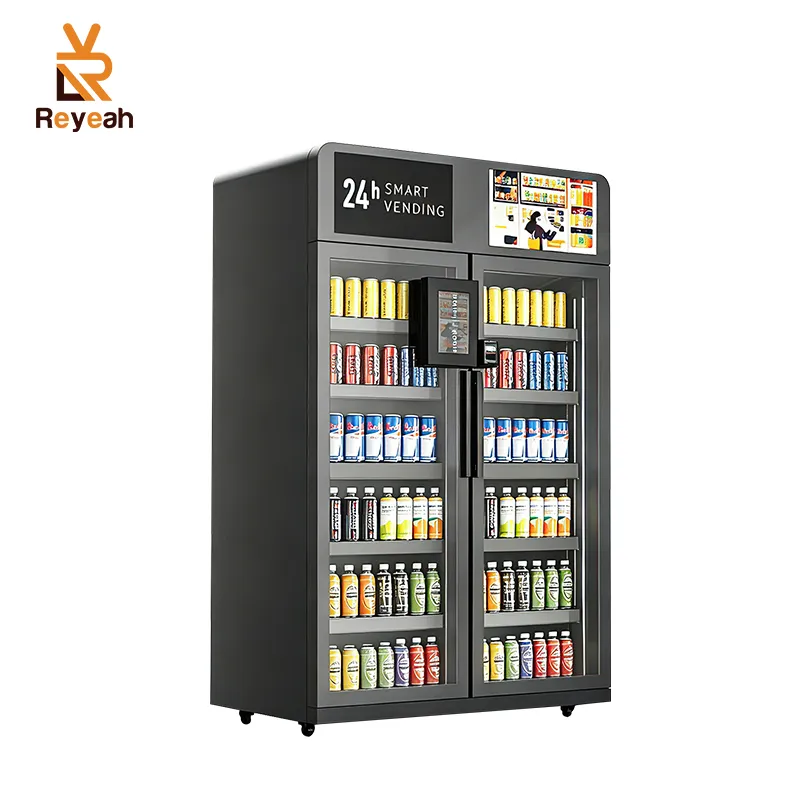
A dual-door candidate for broader assortment and replenishment-flow evaluation. Confirm footprint, access logic and quoted configuration.
View X15 details →Conclusion: Make Speed a Measured Outcome
Self checkout kiosks make shopping faster only when routine transactions are easy and exceptions receive prompt, capable support. B2B buyers should evaluate the whole customer and operating journey—not a terminal in isolation. Define configurations, test real products and payments, include accessibility and privacy, plan failure recovery, and compare pilot evidence before scaling.
Share your site, customer journey, product shortlist and verification requirements for a configuration review.
Request a Configuration Review