
Kiosk Vending Machine Guide: Choose the Right Setup
A practical framework for terminals, smart equipment, payments, operations and deployment risk.
Introduction: Design the Complete System
A kiosk vending machine is not simply a screen. It is the point where the customer journey, payment, retail equipment, network, inventory and support process must coordinate. The right setup depends on assortment, location, access, control requirements and the workload the operator can sustain.
This guide compares roles without promising sales, uptime or accuracy. Every specification, compatibility claim, certification and commercial term must be confirmed with the supplier and tested at the site.
Setup Architecture: Kiosk, Cooler and Payment Roles
A kiosk vending machine can separate or combine three roles: the selection or information interface, equipment that presents or controls products, and the payment device. Define the journey first: what the customer sees, when access is authorized, how the basket is confirmed, how payment occurs and where help is available.
| Layer | Decision | Buyer question |
|---|---|---|
| Interface | Standalone kiosk, machine display or app | Can customers understand it and staff maintain it? |
| Product | Coils, cabinet, smart cooler or open shelves | Does it fit packages, temperature and control? |
| Payment | Integrated or separate terminal; gateway and acquiring | Does it work in-market and during failures? |
| Operations | Onboarding, replenishment, reconciliation and support | Who resolves each exception? |
Choose the Format by Assortment and Site
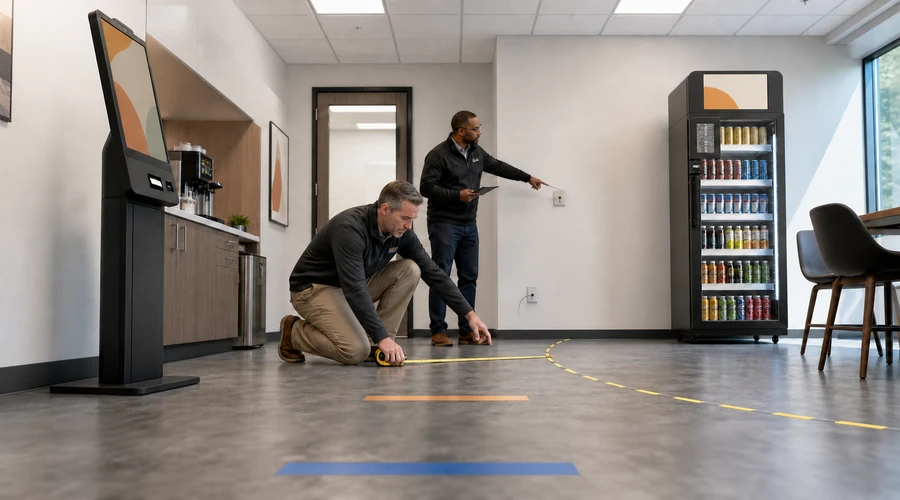
Predictable single-item products may fit traditional dispensing; chilled assortments and multi-item baskets may justify a smart cooler or controlled cabinet. The decision also depends on temperature, package dimensions, security, traffic, accessibility, ventilation, power and maintenance access.
Payments, Network and Failure Handling
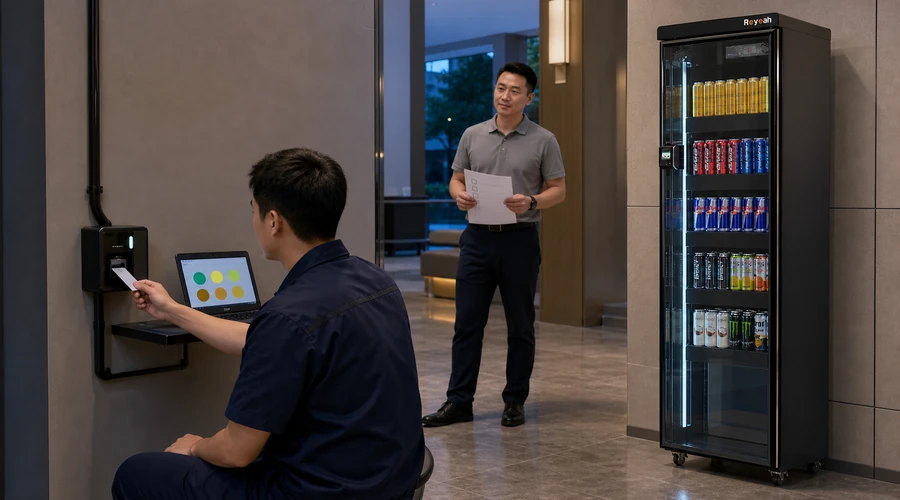
Validate payment methods, gateway, acquiring, pre-authorization where applicable, settlement, receipts, refunds and reversals. Test network loss, declined payment, incomplete close, restart and recovery; do not assume an offline mode exists or every transaction will complete.
Payment security: Determine which requirements apply to the merchant, processor, software and device environment. The PCI Security Standards Council publishes the PCI DSS baseline for protecting payment account data; buyers should confirm validation responsibilities with their payment partners.
Inventory, Replenishment and Operating Work
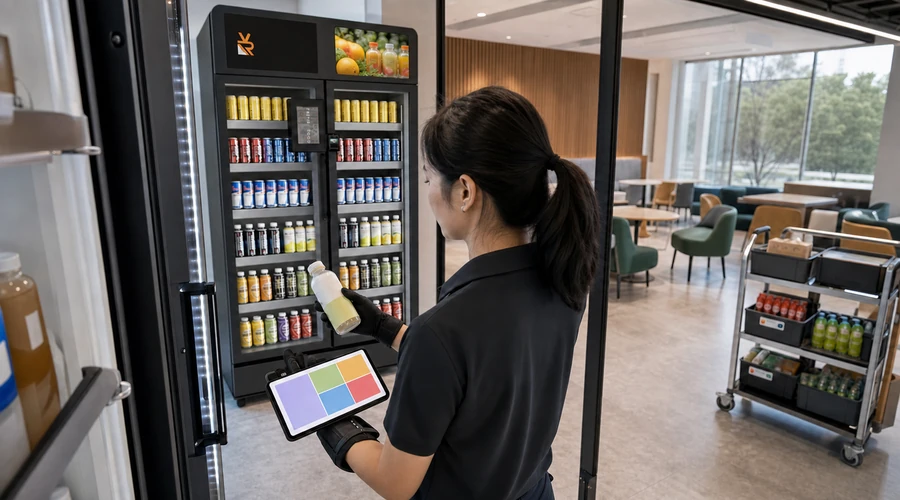
An alert creates value only when product data, shelf maps, physical counts, date controls, stockroom availability and route execution are reliable. Measure restock time, variance, stockouts, spoilage, cleaning, exceptions and support; a dashboard does not replace reconciliation.
Risks, Privacy and Accessibility
- Document what data is captured, why, for how long and who can access it.
- Review cameras or sensors, signage and human review with local owners.
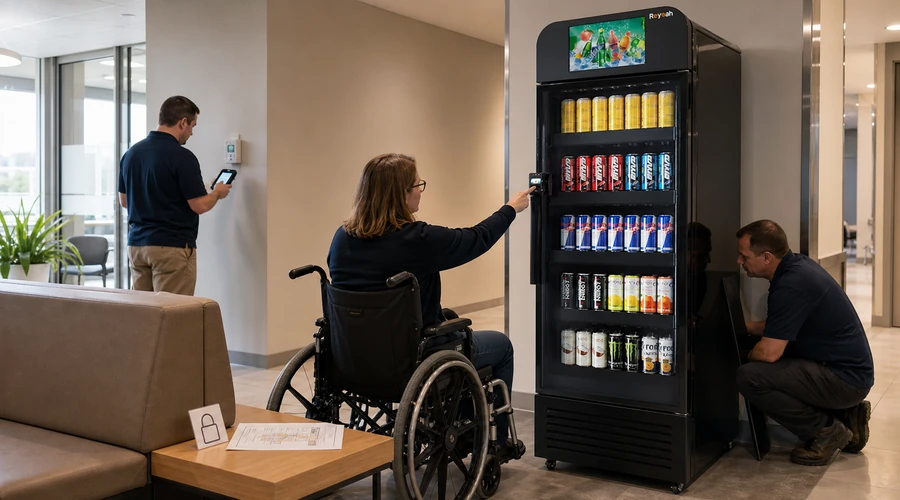
- Provide suitable height, clear floor space, route and assistance for diverse users.
- Protect cabling, ventilation, exits, door movement and technician access.
- Define response to screen, reader, lock, refrigeration, network or software failure.
Site Review, Privacy and Deployment
- Define audience, assortment, journey and operating hours.
- Confirm footprint, power, network, ventilation and accessibility.
- Choose interface, product format and payment flow.
- Obtain itemized configuration, responsibilities and costs.
- Test normal purchase, return, refund and failure paths.
- Train replenishment, reconciliation, cleaning and support owners.
- Run a pilot with go, revise and stop criteria.
- Review data, exceptions and workload before scaling.
Four Reyeah Products to Verify
Official pages help buyers compare formats; every configuration, compatibility, installation, service and commercial term must be confirmed in writing.
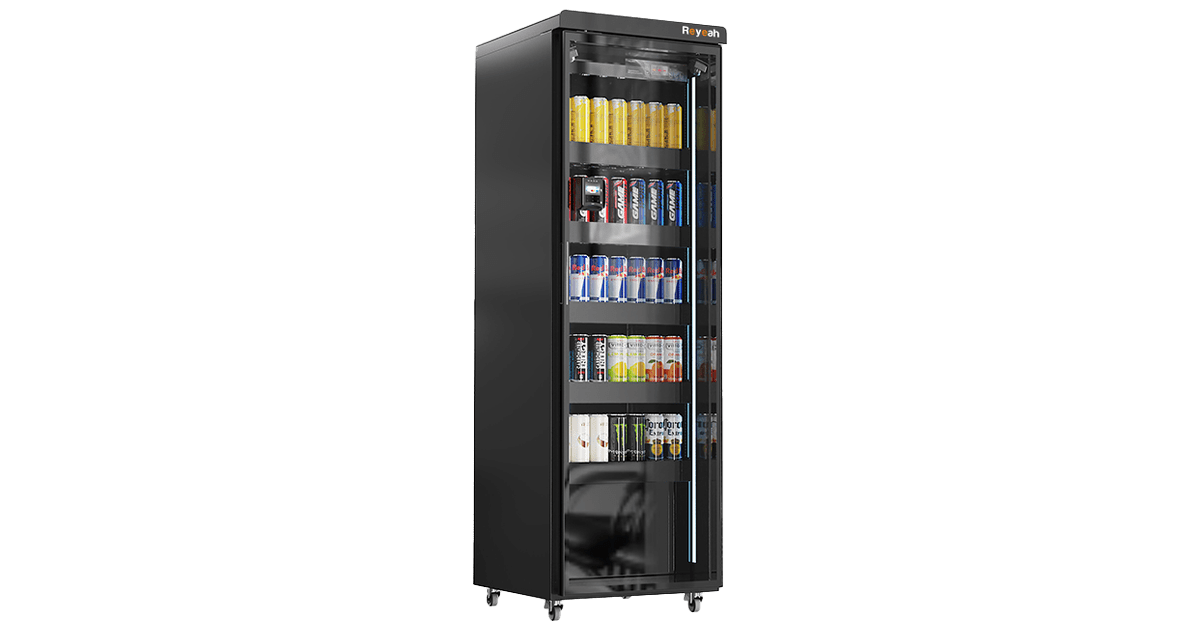
A smart cabinet candidate for controlled access. Confirm the exact fit, integration and support in writing.
View X12 details →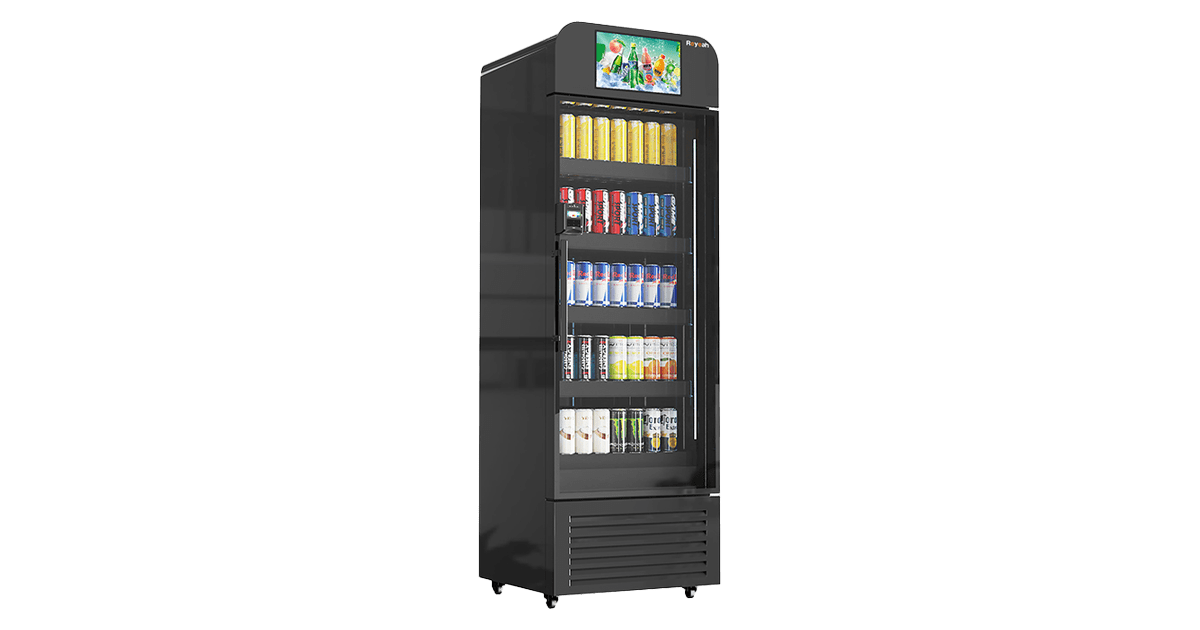
A display-led candidate for on-site communication. Confirm the exact fit, integration and support in writing.
View X13 details →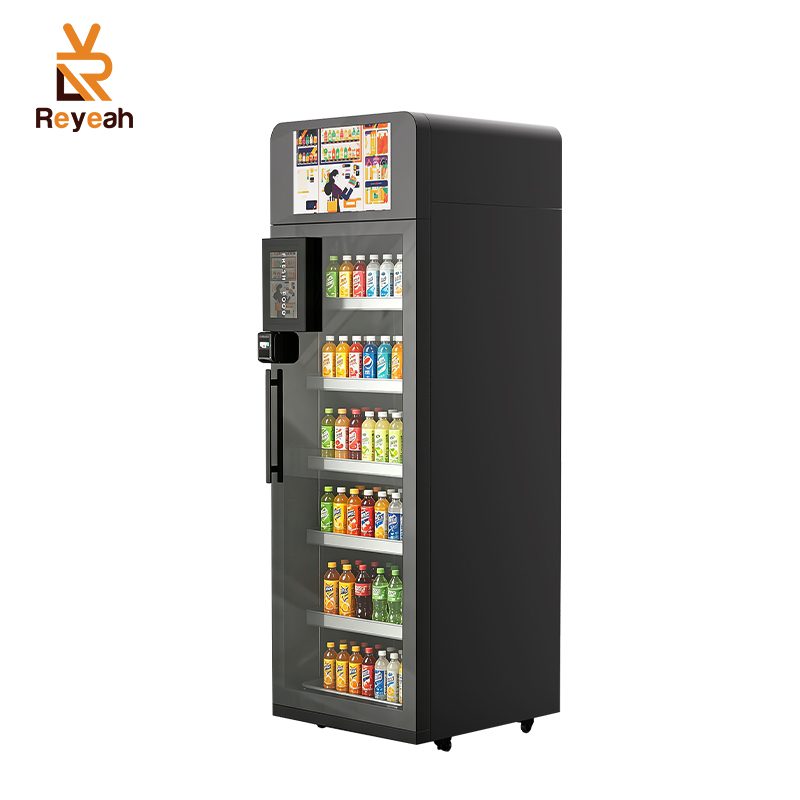
A smart cooler candidate for chilled assortments. Confirm the exact fit, integration and support in writing.
View X14 details →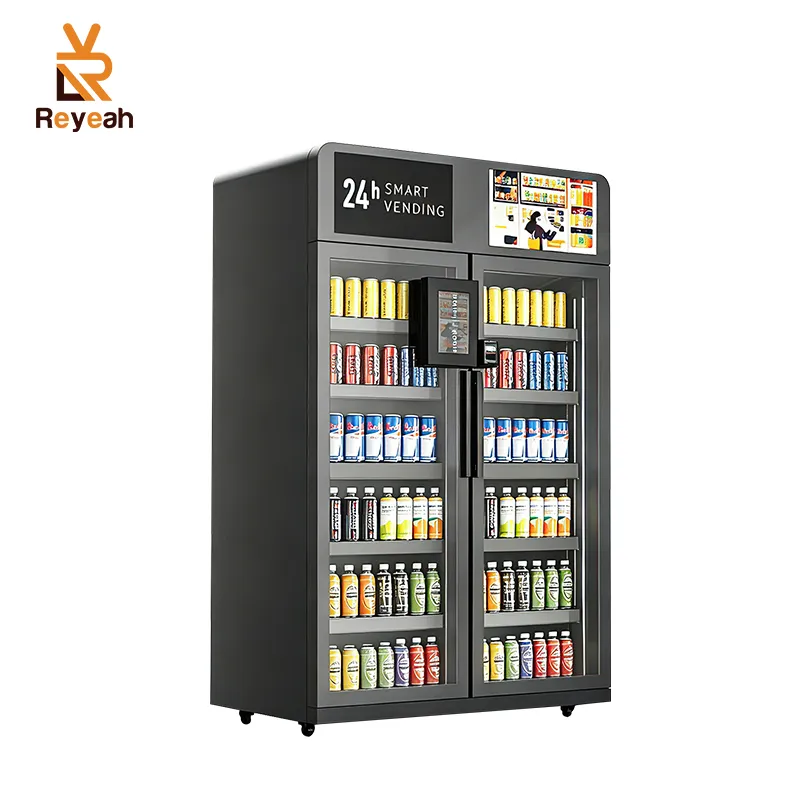
A dual-door candidate for broader assortments. Confirm the exact fit, integration and support in writing.
View X15 details →Conclusion: Choose the Kiosk Vending Machine by Its Operation
The right kiosk vending machine connects a clear interface with equipment, payments and support the site can maintain. Compare the full journey, test failures and validate privacy, accessibility, replenishment and service before scaling.
Share assortment, site, journey, refrigeration, payment and operating needs, then request a configuration review.
Request a Configuration Review