
Micro Markets Explained: How Cashless Office Retail Works
An office micro market is a self-service retail area where employees can browse food and drinks, select several items, and pay digitally without a cashier. It combines the familiar layout of a small convenience store with the efficiency of unattended retail. Open shelving, refrigerated smart coolers, cashless payment technology, and cloud-based inventory tools work together to keep the experience fast for employees and manageable for operators.
The idea is simple, but a successful system involves more than placing a fridge in a break room. Access control, payment authorization, product identification, temperature management, replenishment, and reporting all need to work as one operating model. This guide explains how cashless office retail works from the shopper's first tap to the operator's next restocking decision.
Quick answer: A cashless office micro market lets employees choose products from shelves or smart coolers and pay by card, mobile wallet, QR code, employee account, or another supported digital method. Transaction and inventory data then sync to a management platform so the operator can monitor sales, stock, and equipment remotely.

What Is an Office Micro Market?
An office micro market is a compact, unattended store installed inside or near a workplace. It may include ambient shelving for packaged snacks, refrigerated cabinets for drinks and fresh meals, a freezer, a coffee station, and a cashless checkout point. The exact layout depends on available space, employee traffic, product mix, security requirements, and local food-safety rules.
Unlike a traditional vending machine, a micro market usually allows customers to see and handle products before buying. That open shopping experience supports a broader assortment and makes multi-item purchases more natural. Unlike a staffed convenience store, the customer-facing experience is automated; however, an operator still needs to replenish products, manage expiry dates, clean equipment, respond to alerts, and review performance.
Employees can browse visible products, compare choices, and buy several items during one transaction.
Cashless transactions and cloud inventory data help operators monitor sales, stock, and equipment remotely.
The term is sometimes written as “micromarket,” but micro market is the preferred form throughout this guide and the wider unattended retail category.
How Does Cashless Office Retail Work?
Most office micro markets use one of two checkout models. A kiosk-based market asks the customer to scan each item and pay at a terminal. A smart-cabinet model controls access to refrigerated products and identifies what was taken before completing the transaction. Some workplaces combine both approaches in one modular retail area.
1. The Customer Starts a Transaction
At a self-checkout kiosk, the customer begins by scanning a product or signing in. At a locked smart cooler, the customer may tap a bank card, use a mobile wallet, scan a QR code, or authenticate through an approved account. Depending on the payment configuration, the system can verify the payment method or place a pre-authorization before unlocking the cabinet.
2. The Customer Browses and Selects Products
Open shelves allow employees to compare products, read labels, and place several items in one basket. In an open-door smart cooler, customers can inspect chilled products and return an item before closing the door. This format is useful for fresh meals, bottled drinks, dairy products, healthy snacks, and products that do not fit traditional spiral vending mechanisms.
3. The System Identifies the Purchase and Collects Payment
A kiosk-based system records the barcodes scanned by the customer. A smart cabinet may use AI vision, weight sensing, RFID, or a combination of technologies to determine which products left the cabinet. The payment system then charges the confirmed amount and can issue a digital receipt. The precise flow varies by hardware, payment provider, and local market.
4. Sales and Inventory Data Sync to the Cloud
After checkout, the transaction is sent to a management platform. The operator can review sales, inventory movement, low-stock alerts, equipment status, and location performance. That visibility helps teams plan replenishment around actual demand instead of relying only on fixed visit schedules.
5. The Operator Replenishes and Improves the Assortment
Cashless does not mean maintenance-free. Operators still rotate stock, check expiry dates, clean cabinets, confirm temperature performance, investigate exceptions, and respond to payment or network issues. The advantage is that data can make these tasks more targeted. Slow sellers can be replaced, popular products can receive more shelf space, and restocking routes can be prioritized by need.

What Technology Powers a Modern Micro Market?
A reliable micro market is an integrated system rather than a collection of disconnected devices. Buyers should evaluate how the hardware, payment layer, software, and operating procedures work together.
Refrigerated cabinets can support salads, sandwiches, dairy products, fruit, ready meals, and cold beverages when equipment and operating procedures meet product requirements.
Barcode scanning, RFID, AI vision, and weight sensing provide different balances of speed, preparation cost, and checkout automation.
Options may include cards, NFC contactless payments, mobile wallets, QR codes, employee accounts, and closed-loop workplace cards.
Inventory status, sales reports, low-stock alerts, price controls, equipment monitoring, and multi-location dashboards support daily decisions.
Security and Loss Prevention
Open retail creates a different risk profile from enclosed vending. Operators may use controlled workplace access, camera coverage, clear checkout instructions, inventory reconciliation, payment pre-authorization, and smart-lock records to reduce shrinkage. High-value or refrigerated products can be placed in controlled-access cabinets while lower-risk packaged goods remain on open shelves.
Office Micro Market vs. Cashless Vending Machine
Both models can provide 24/7 self-service, but they solve different space and assortment needs. A cashless vending machine is a single enclosed unit that dispenses products after payment. A micro market is a broader retail format that can combine shelves, coolers, kiosks, and smart cabinets.
| Factor | Office Micro Market | Cashless Vending Machine |
|---|---|---|
| Shopping experience | Browse shelves or open approved cabinets | Select from one enclosed machine |
| Basket size | Designed for one or several items | Often optimized for one item per transaction |
| Product flexibility | Packaged goods, fresh food, meals, and mixed formats | Depends on cabinet and dispensing mechanism |
| Space required | Small retail zone or modular wall | Single-machine footprint |
| Checkout | Kiosk, mobile, or smart-cabinet payment | Integrated machine payment terminal |
| Inventory control | Central software across shelves and cabinets | Machine-level or cloud-connected monitoring |
| Best fit | Workplaces with recurring demand and broader assortment | Compact sites or focused product selection |
The decision is not always either-or. A workplace may use a micro market in the main break area and cashless vending machines in smaller departments, night-shift zones, or remote buildings. The most effective layout follows traffic patterns rather than forcing every location into one format.
Why Employers and Operators Choose Cashless Office Retail
More Convenient Workplace Access
Employees can purchase drinks, snacks, or meals without leaving the building or waiting for a staffed counter. This is especially useful for early shifts, late shifts, short breaks, and workplaces located far from restaurants.
A Broader and More Visible Product Range
Open merchandising makes it easier to offer mixed product sizes and display nutrition information. Fresh food and healthy choices can be presented alongside familiar snacks and beverages. Operators can also test office essentials or personal-care items where there is genuine demand.
Less Cash Handling
Digital payments reduce coin collection and manual cash reconciliation. They also create a transaction record that can feed sales reporting and inventory processes. Cashless operation still requires a clear policy for declined payments, refunds, chargebacks, and customer support.
Better Operational Visibility
A connected platform can show what sold, when it sold, and which location needs attention. Operators can use that information to reduce avoidable stockouts, identify weak assortments, and schedule visits more efficiently. The quality of the decision still depends on accurate product setup and disciplined replenishment.
A Scalable Workplace Amenity
A modular micro market can start with one refrigerated cabinet and a focused assortment, then expand with additional coolers, shelves, or checkout points. This makes it suitable for companies that want to test employee demand before building a larger workplace retail program.
Where Do Office Micro Markets Work Best?
The office setting is the clearest use case, but the same cashless retail model can support other controlled or semi-controlled environments. The strongest locations combine recurring traffic, limited nearby food options, visible placement, reliable connectivity, and a practical restocking route.
Convenient coffee, meals, drinks, and snacks for recurring weekday demand.
Round-the-clock access for multiple shifts when canteens or nearby stores are closed.
Convenient retail for staff, students, and visitors, subject to site and food-safety requirements.
Unattended lobby retail for drinks, snacks, meals, and travel essentials.
A strong location is not defined by headcount alone. Participation rate, shift patterns, time on site, local competition, product pricing, and replenishment capability all influence demand. Before investing, estimate the number of realistic daily users and validate the assortment with the people who will actually shop there.

How to Plan an Office Micro Market
1. Define the User and Service Goal
Decide whether the primary goal is employee convenience, fresh meal access, night-shift coverage, revenue generation, or a combination of these. Interview employees or review existing canteen and vending data to understand preferred products, price points, and peak times.
2. Map the Site
Measure the available floor area, door clearance, power supply, ventilation, network coverage, delivery access, and customer flow. Place the market where it is visible and convenient without obstructing emergency routes or normal workplace movement.
3. Choose the Right Retail Format
Use open shelves for lower-risk ambient products, refrigerated smart coolers for chilled goods, and controlled-access cabinets for products that need stronger transaction control. Decide whether a shared self-checkout kiosk, cabinet-level payment, or a hybrid system offers the clearest customer journey.
4. Confirm Payment and Software Compatibility
Verify accepted payment methods, currencies, network requirements, settlement process, tax settings, receipt options, user roles, inventory reports, and data-export needs before ordering equipment. If several sites will share one system, test multi-location permissions and reporting early.
5. Build the Operating Routine
Set responsibilities for replenishment, cleaning, expiry control, temperature checks, pricing, refunds, customer support, and exception review. Establish minimum stock levels and review sales by location and product. Technology improves visibility, but consistent operating discipline protects service quality.
6. Launch Small and Improve with Data
Start with a focused assortment built around reliable demand. Track stockouts, waste, transaction failures, support requests, and repeat purchases. Expand only when the data supports more capacity or additional product categories.
Planning a budget or ROI model? Read Reyeah's micro market setup, cost and profit guide for a separate cost-focused overview.
Common Micro Market Mistakes to Avoid
Replenishment, food safety, cleaning, exceptions, and customer service still need clear owners.
The payment journey, product mix, security model, and site conditions should shape the equipment choice.
A terminal that works in one country may require different acquiring, currency, or settlement support elsewhere.
Too many slow-moving products increase waste and make early performance harder to interpret.
- Using unsupported performance claims: Traffic, pricing, shrinkage, waste, and operating costs vary. Build projections from local evidence.
- Failing to plan for downtime: Document what happens if power, refrigeration, payment, or connectivity is interrupted.
Building a Micro Market with Reyeah
Reyeah develops AI-powered smart vending equipment for unattended retail and supports OEM/ODM projects for operators, distributors, and brands. An office micro market can be configured around one cabinet or a group of connected units, depending on capacity, design, payment, and management requirements.
SideTap Pro X11
Designed for premium locations. A refined cabinet format for offices, lobbies, hotels, and design-sensitive micro markets.
View X11 Product →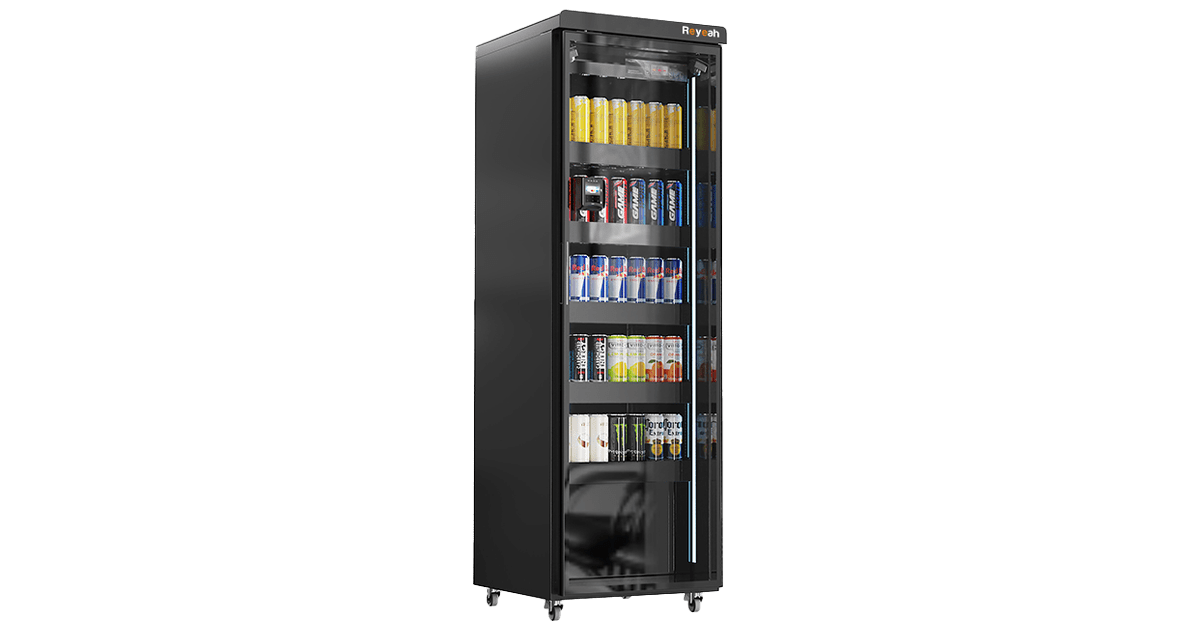
CoreLock Basic X12
Built for workplace volume. A durable, high-capacity option for factories, warehouses, campuses, and busy employee areas.
View X12 Product →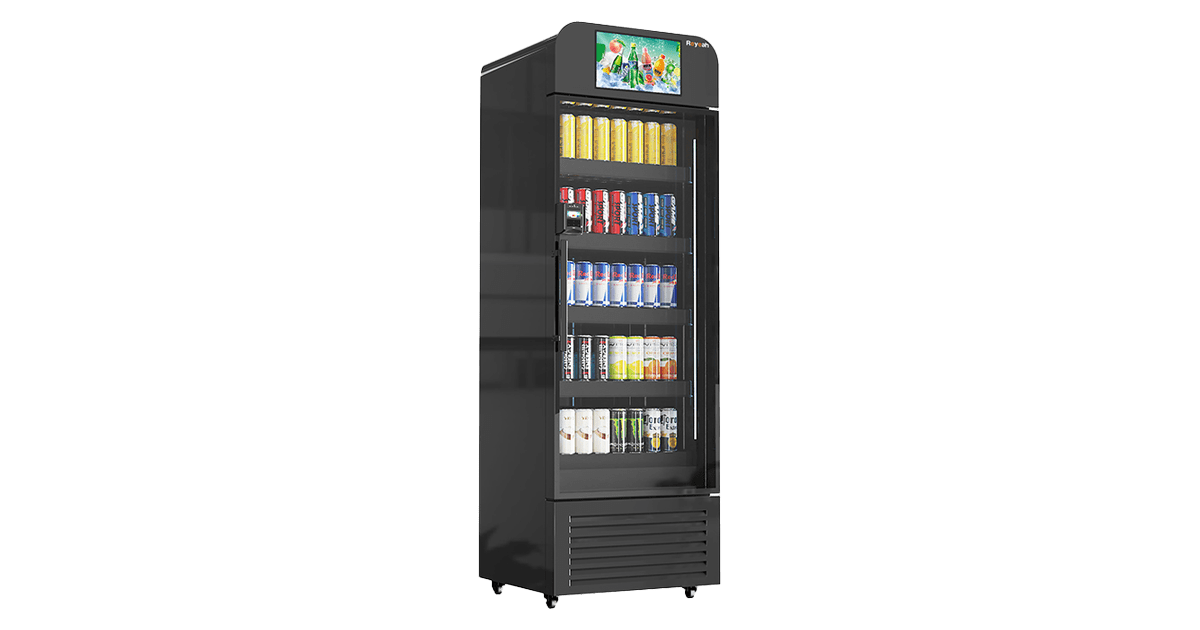
AdScreen Elite X13
Retail plus communication. A smart vending format for offices and public-facing sites that also need promotions or digital content.
View X13 Product →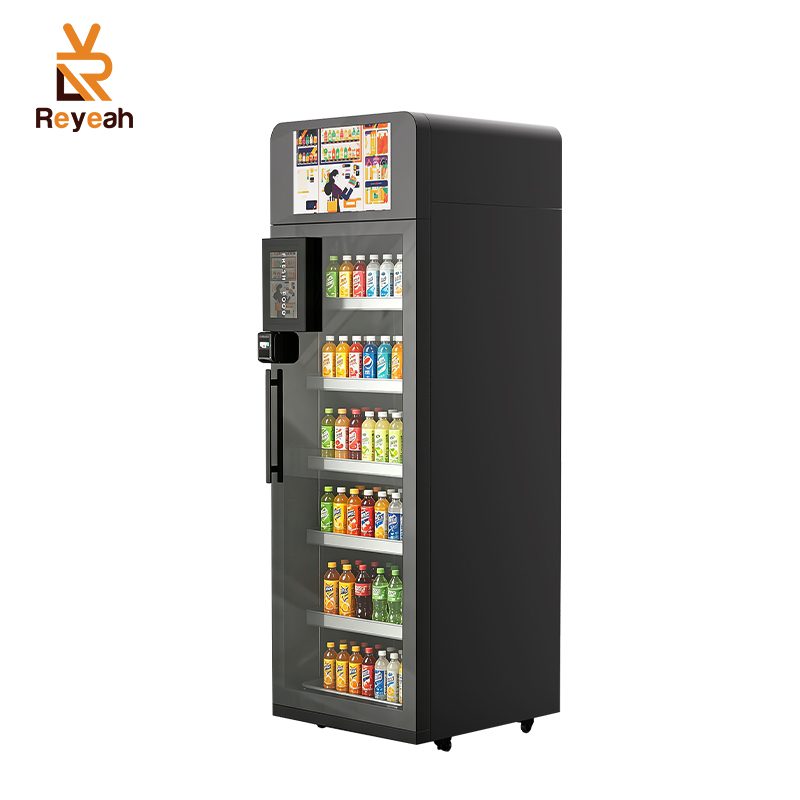
VisionCool Pro X14
Flexible temperature-controlled retail. A smart cooler solution for chilled or frozen products in offices, micro markets, and high-traffic locations.
View X14 Product →Project planning tip: Share your location type, expected users, product categories, payment requirements, and target country so the equipment, software, and operating model can be matched before production.
Tell Reyeah about your workplace, expected users, product mix, payment requirements, and target country. Our team can recommend a suitable smart cooler or modular micro market configuration.
Frequently Asked Questions (FAQ)
Conclusion
Cashless office retail works because it connects a simple customer journey with disciplined operations. Employees gain convenient access to food and drinks, while operators gain digital transactions, inventory visibility, and a flexible format that can grow with demand. The strongest office micro markets are not defined by one technology alone; they align the site, product mix, payment method, security controls, software, and replenishment routine.
For employers, facility managers, and operators evaluating unattended retail, the next step is to define the workplace need before choosing equipment. Start with the users, map the operating workflow, verify local payment and food-safety requirements, and select a platform that can be supported over the long term.
Reyeah is a smart vending machine manufacturer offering configurable hardware, software, payment integration, and OEM/ODM support for global unattended retail projects. Contact the Reyeah team to discuss an office micro market configuration for your location.
